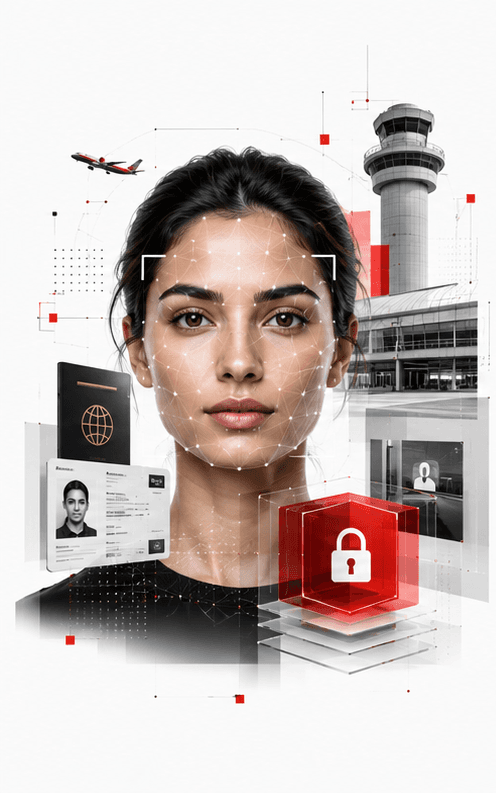
Match a face against your own watch list
Faces on live cameras are matched against the lists your own security team builds and maintains, across a terminal's cameras rather than one at a time. It runs on your hardware inside your own network.
Government & Public Safety
Keep passengers moving while protecting restricted areas, monitoring how busy each area is, and finding people in recorded footage
Overview
Keep passengers moving while protecting restricted areas, monitoring how busy each area is, and finding people in recorded footage.
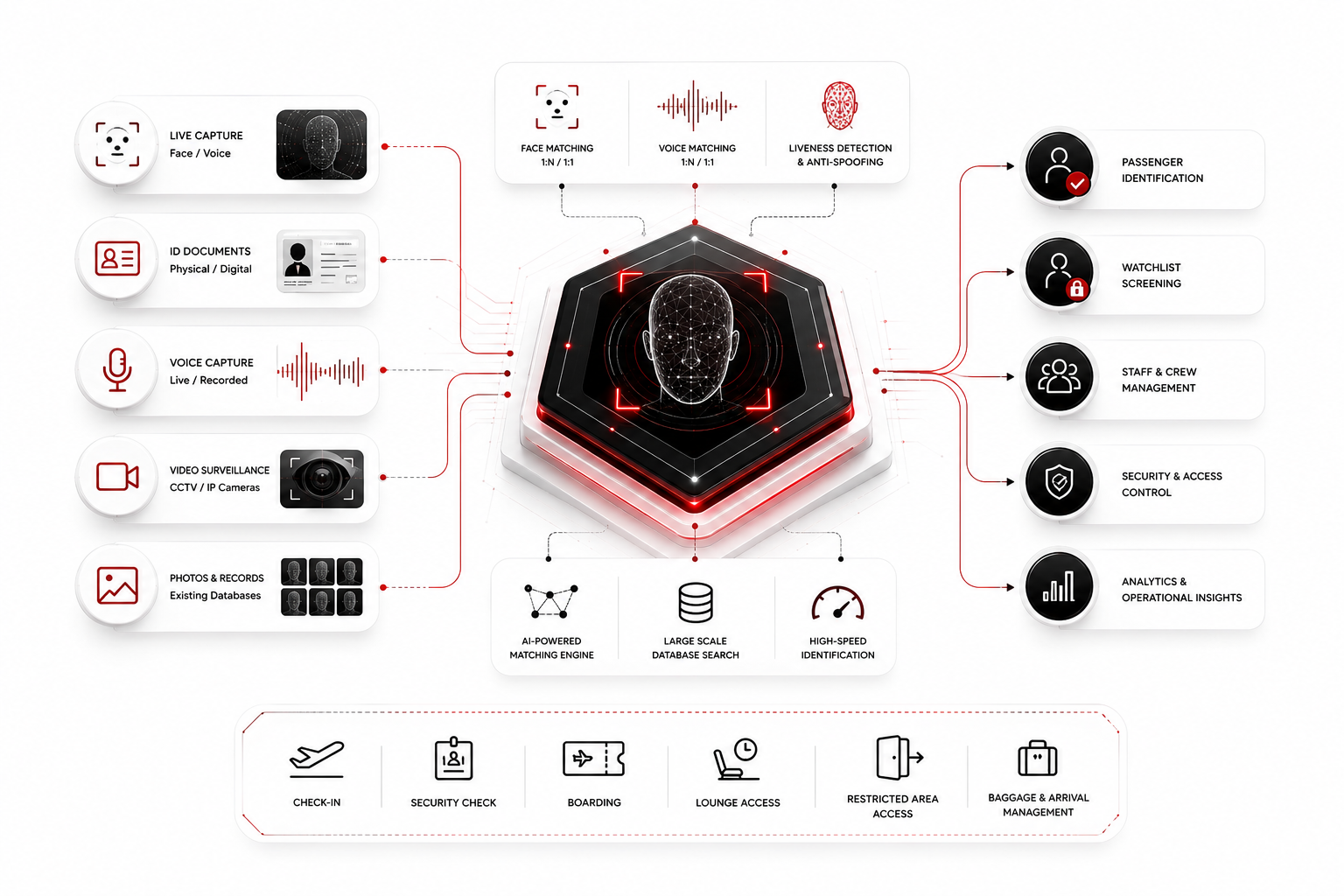
An airport needs to move large numbers of people through efficiently while keeping restricted areas accessible only to authorised people.
The checks below work with the cameras already installed, helping alerts reach staff while they are still useful.
What you deploy
These are the FaceOff products most often deployed in this sector, in the order they usually land.
Live face recognition across your camera network, matched against your watch-lists.
ExploreKey capabilities
What this sector asks for most often. Each one runs at the moment a decision is being made, and each returns a result a reviewer can explain to somebody else.
Faces on live cameras are matched against the lists your own security team builds and maintains, across a terminal's cameras rather than one at a time. It runs on your hardware inside your own network.
Airside doors, stands, baggage halls and anywhere else that should stay closed can be marked, and entry by somebody who should not be there raises an alert straight away. The area stays watched whether or not anybody is looking at that particular screen, which is the entire point of an alert.
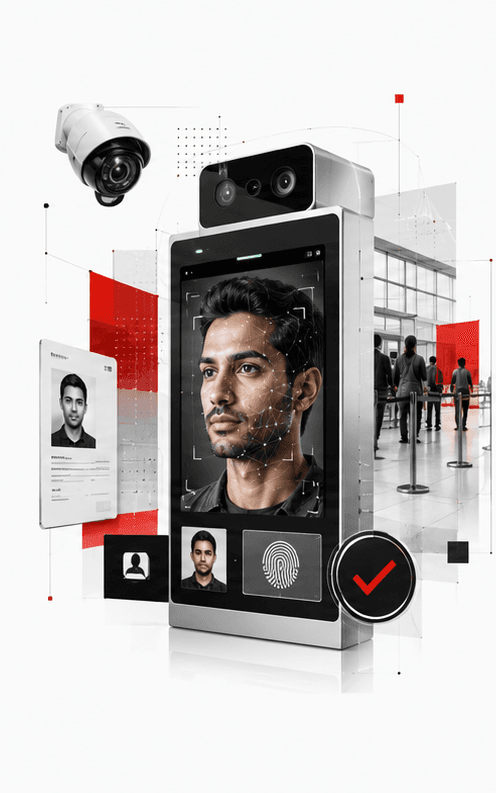
A security queue, a gate hold room and an arrivals hall each get their own limit and are monitored across several cameras at once, and the area is named when numbers pass that limit. Crowd safety depends on acting early, and early means before the problem is obvious from the control room.
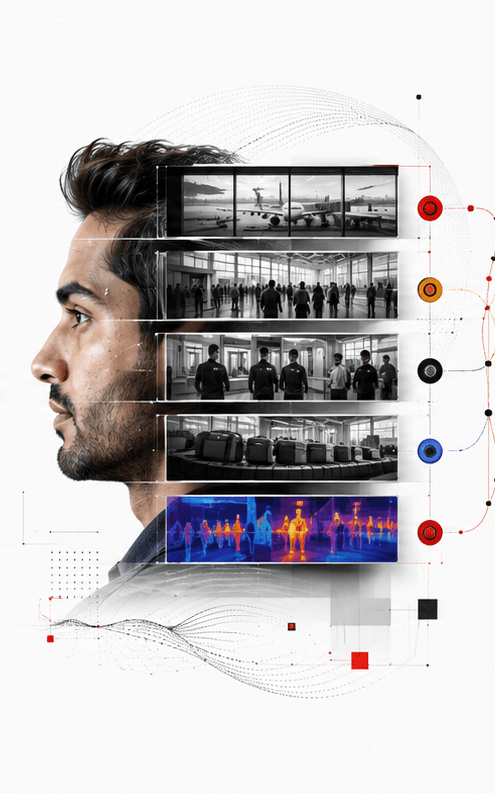
Recorded video can be searched for a person by the clothing they were wearing and the bags they were carrying, returning a snapshot and a record for each person found. A search can run when no name or personal detail is known, which is almost always the situation in the hour after an incident.
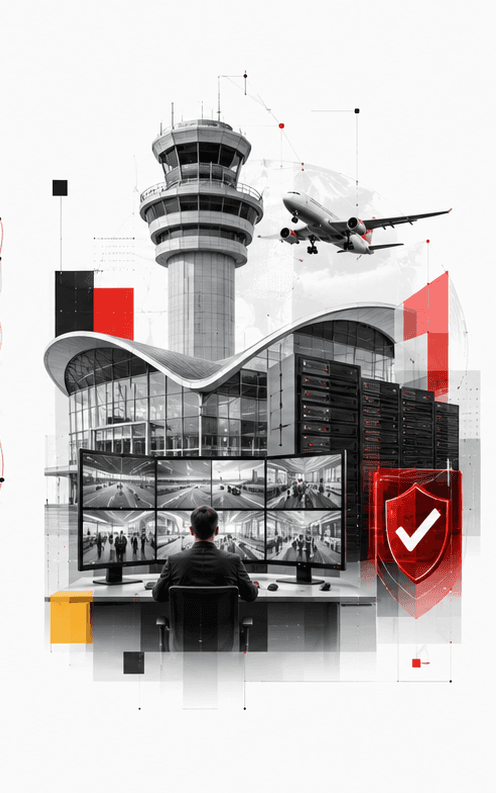
These run on an estate that already exists rather than requiring a new one, and a survey checks camera models and mounting distances beforehand and flags positions that may not give a suitable view. More than one check can share the same coverage, so an area can be watched for crowding and for entry at the same time.
A match arrives as a shortlist of candidates for an officer to accept or reject rather than as an instruction to stop somebody, and the officer's verdict is stored with the alert. What the system did and what a person decided are both on the record afterwards.
Where it is used
Every entry names a product on this site and describes it the way its own page does.
CrossCam PersonTrack matches faces on live cameras against the watch lists you build, and an officer reviews each match rather than accepting it.
SecureZone Monitor raises an alert the moment someone enters an area they should not be in.
CrowdSentinel AI gives each area its own limit and names the area when numbers go past it.
AnonymousPersonID searches recorded footage for a person by the clothing they wore and the bags they carried.
Common questions
No. These work with the cameras already installed. CrossCam PersonTrack includes a survey that checks camera models and mounting distances beforehand and flags positions that may not provide a suitable view.
Yes. AnonymousPersonID searches recorded footage on what a person was wearing and carrying, which means a search can run when no name or personal detail is known.
No. A match arrives as a shortlist of candidates with a confidence score, and an officer confirms or rejects it. The verdict is stored with the alert.
Bring your own footage. We will run it through the Adaptive Cognito Engine and walk you through the findings.